

Let’s be real—fiddling with spreadsheets, printouts, and sticky notes to create a seating chart is a special kind of event-planning nightmare. A good seating chart maker online takes that dreaded task and turns it into something surprisingly simple, even enjoyable. It’s not just about making a pretty map; it’s about upgrading how you plan, manage, and even profit from your events, especially if you’re using WordPress.
Why a Digital Seating Chart Changes Everything
The days of manually sketching out guest placements on a piece of paper are thankfully behind us. Event planners everywhere, from wedding coordinators to concert promoters, are switching to digital tools for a reason. It’s more than just convenience; it’s a strategic move toward a better attendee experience and a much smarter way to use your venue space. This shift is a key part of modern event management on platforms like WordPress.
This isn’t just a small trend, either. It’s part of a huge, expanding market. The entire seating solutions industry, which includes these kinds of event tools, was valued at around $12.93 billion USD in 2025. Projections show it rocketing to an estimated $22.28 billion USD by 2033. That tells you everything you need to know: the whole industry is shifting toward smarter systems, driven by trends like automation and virtual events.
From Static Diagrams to Interactive Experiences
A flat spreadsheet can’t capture the vibe of your venue or sell someone on the value of a front-row seat. An interactive seating chart, on the other hand, does exactly that. When you give attendees a visual, clickable map of the venue, you empower them to pick their own spot. This builds excitement and a connection to your event long before they even show up.
Imagine a local theater. With an interactive chart, they can visually show tiered pricing, letting patrons instantly see why an orchestra seat is worth more than one in the mezzanine. Or think of a wedding—the couple can group guests by their friend groups and family ties, dragging and dropping tables until everyone is happy, without the eraser shavings and scribbled-out notes. This is exactly where a dedicated WordPress plugin like WP Seats becomes a lifesaver.
Here’s a peek at what the back-end editor can look like.
This drag-and-drop system is what it’s all about. You can build out complex venue layouts with tables, individual chairs, and custom-shaped sections without needing to be a tech wizard.
Manual vs Online Seating Chart Planning
Still on the fence? Let’s break down the old way versus the new way. Using spreadsheets or paper might feel familiar, but it creates bottlenecks and unnecessary work. A dedicated online tool is built for the job, especially one that integrates directly into your event management workflow.
| Feature | Manual Planning (Spreadsheets/Paper) | Online Seating Chart Maker (WP Seats) |
|---|---|---|
| Guest Experience | None. Guests are assigned seats or it’s a free-for-all. | Interactive. Attendees choose their own seats from a live map. |
| Ticket Integration | Disconnected. Requires manual tracking and cross-referencing. | Seamless. Tickets and seats are linked, updating in real-time. |
| Updating the Chart | Painful. A single change means redoing the entire layout. | Effortless. Drag-and-drop changes that update instantly. |
| Monetization | Limited. Hard to implement or visualize tiered pricing. | Built-in. Easily set different prices for different sections (VIP, etc.). |
| Error Potential | High. Risk of double-booking or losing track of RSVPs is constant. | Low. Automated system prevents double-bookings. |
| Accessibility | Local. Tied to a specific computer file or physical paper. | Cloud-based. Accessible from anywhere, by anyone on your team. |
The takeaway is clear: moving your seating online isn’t just about saving a few hours. It’s a fundamental upgrade to your entire event management process. It’s a best practice for any modern event organizer.
Streamlining Your Work and Unlocking New Revenue
Beyond making attendees happy, a digital seating chart is a beast of an operational tool. It plugs right into your ticketing system, which means no more manual list-checking and zero risk of accidentally selling the same seat twice.
The real magic is turning your venue map into a live, revenue-generating engine. It stops being just about placing people and starts being about maximizing the sales potential of every single seat in the house.
Think about these practical wins:
- Real-Time Inventory: As soon as a ticket is sold, that seat is automatically grayed out on the map. You get a perfect, live view of your event’s capacity.
- Tiered Pricing: You can easily set up different price points based on location, view, or section. Think VIP tables, front-row seats, or even early-bird discounts for specific areas.
- Data and Insights: Over time, you can track which sections sell out first. This is pure gold for planning future events and refining your pricing strategies.
By taking your seating plans online, you’re not just saving yourself a headache—you’re adopting a smarter, more profitable way to run your events. If you’re ready to see how this works on your own site, check out our guide on using an online seating chart maker with WordPress.
Building Your First Interactive Floor Plan
Staring at a blank canvas can feel a little daunting, but I promise you, building a professional floor plan is way more straightforward than you might think. With the right seating chart maker online, you can turn an empty digital space into a fully realized venue map in minutes.
This is your hands-on guide to creating your very first interactive map with the WP Seats plugin. I’ll share some practical tips I’ve picked up to make the whole process smooth and surprisingly fast.
First, take a look at the interface we’ll be working with.
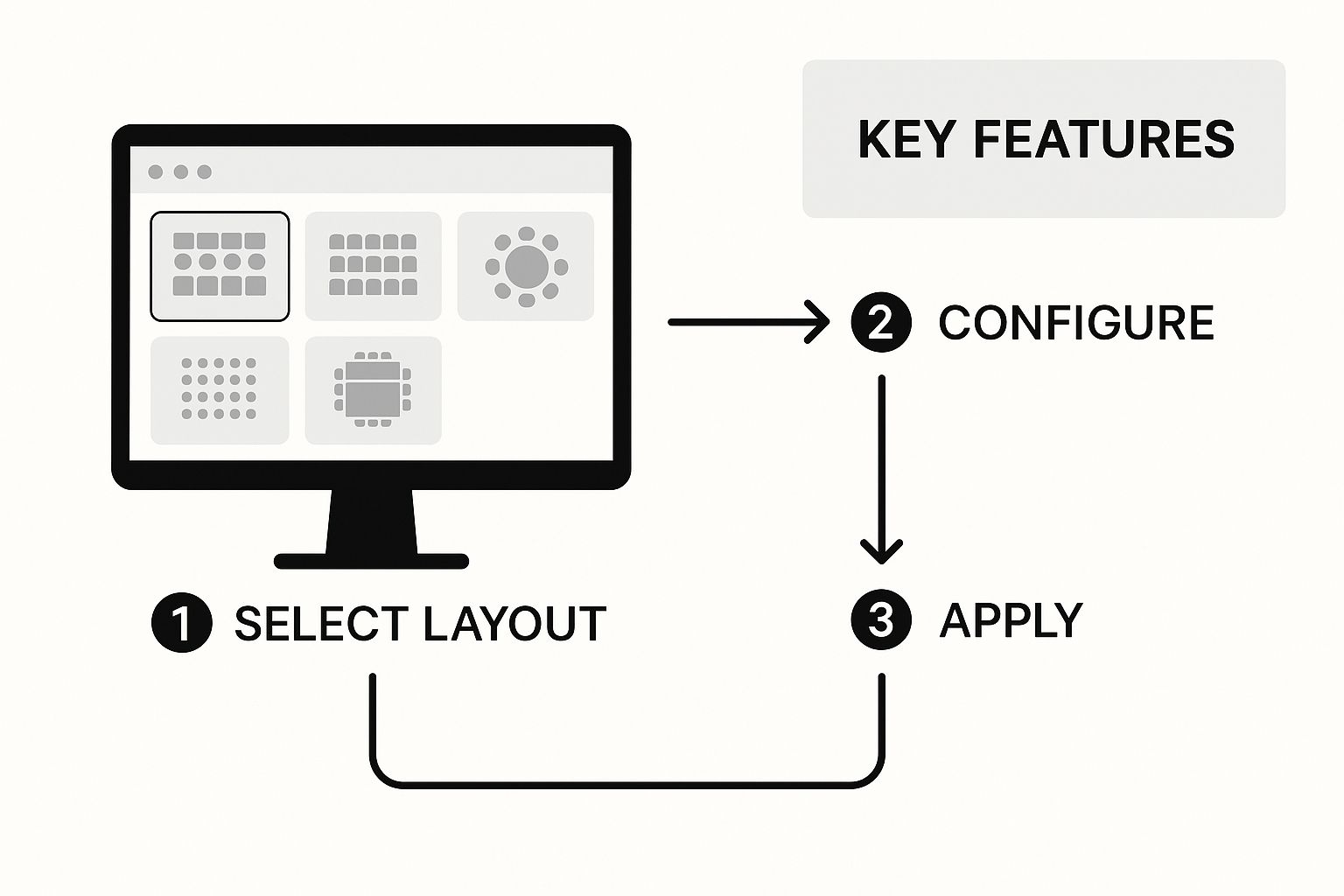
As you can see, intuitive tools like a drag-and-drop editor and customizable elements are front and center, designed to simplify the entire process from start to finish. This tutorial will serve as a guide for using WP Seats effectively.
Starting with the Venue Foundation
Alright, first things first: you need to set the stage—literally. Before you place a single chair, you have to define the dimensions of your event space. Inside the WP Seats editor, you can set the exact width and height of your canvas to perfectly match your venue’s specs.
Here’s a pro tip for getting it just right: use a background image. If you have a blueprint, a fire escape map, or even a simple hand-drawn sketch of the venue, upload it. This gives you a visual guide to trace over, making sure your digital chart mirrors the real-world space. It completely removes the guesswork when placing walls, exits, and permanent fixtures like a stage or bar.
Adding Seating with the Drag-and-Drop Editor
Once your foundation is in place, it’s time for the fun part: adding the seats. The heart of any good seating chart maker online is its drag-and-drop functionality, and this is where you really start to bring your event to life.
With WP Seats, you can easily add all sorts of elements:
- Individual Seats: Perfect for theater-style setups or concert halls where every seat is sold on its own.
- Tables: Add round, square, or rectangular tables for galas, weddings, or any dinner event. You can even specify the exact number of chairs around each one.
- General Admission Zones: For standing-room-only areas or festival-style events, you can draw a custom-shaped zone and set its total capacity.
The goal isn’t just to drop objects on a map; it’s to create a logical, intuitive flow for your attendees. Think about aisle space, sightlines, and accessibility right from the start.
This process is about more than just where people sit. For larger events like an expo, a well-planned layout is crucial for attendee engagement. If you’re mapping out a trade show, integrating great exhibition display ideas into your floor plan can make a huge difference.
Pro Tricks for Speed and Precision
Building out a large venue map doesn’t have to be a slow, click-by-click chore. There are a few built-in features designed to speed things up dramatically, helping you avoid common troubleshooting issues.
One of the most useful tools is the alignment grid. Just toggle it on, and a grid overlay appears, allowing you to snap objects into perfect alignment. This guarantees your rows of chairs are perfectly straight and your tables are spaced evenly, giving your final chart a clean, professional look.
Another huge time-saver is the duplication feature. Once you’ve set up a table with the right number of seats, just duplicate it. You can build out an entire section in seconds instead of minutes.
With these simple but powerful tools, you can go from a blank slate to a detailed, ready-to-use chart in no time. To see more of what our dedicated event floor plan creator can do, feel free to explore the full feature set.
Turning Your Floor Plan into a Sales Engine
A beautiful floor plan is a great start, but let’s be honest—it’s not doing its job until it starts selling tickets. This is where your layout transforms from a simple organizational tool into a real sales engine for your event.
Once you’ve built your digital floor plan, the next step is connecting it directly to your revenue stream. This isn’t just a nice-to-have feature anymore; it’s become a core part of modern event management. Online seat selection is now a global standard, powering everything from local theater shows to massive stadium concerts and optimizing venue layouts for both customer experience and your bottom line. Automation in ticketing is a major industry trend.
Configuring Your Seats for Sale
Before you can sell a single seat, each one needs a unique identity. This goes beyond just dragging and dropping an icon onto a map. You have to assign specific seat numbers or labels so the system knows exactly what your customer is buying.
You can also group seats into logical sections. For instance, labeling an entire block of seats as ‘Orchestra’ or a premium spot as ‘VIP Area’ not only helps guide your buyers but also lets you apply bulk pricing rules. This simple step makes the front-end experience for your attendees much clearer and helps you manage inventory more effectively on the back end.
The screenshot below shows just how you can customize different seating areas, like setting up specific sections with unique shapes or even applying social distancing rules automatically.
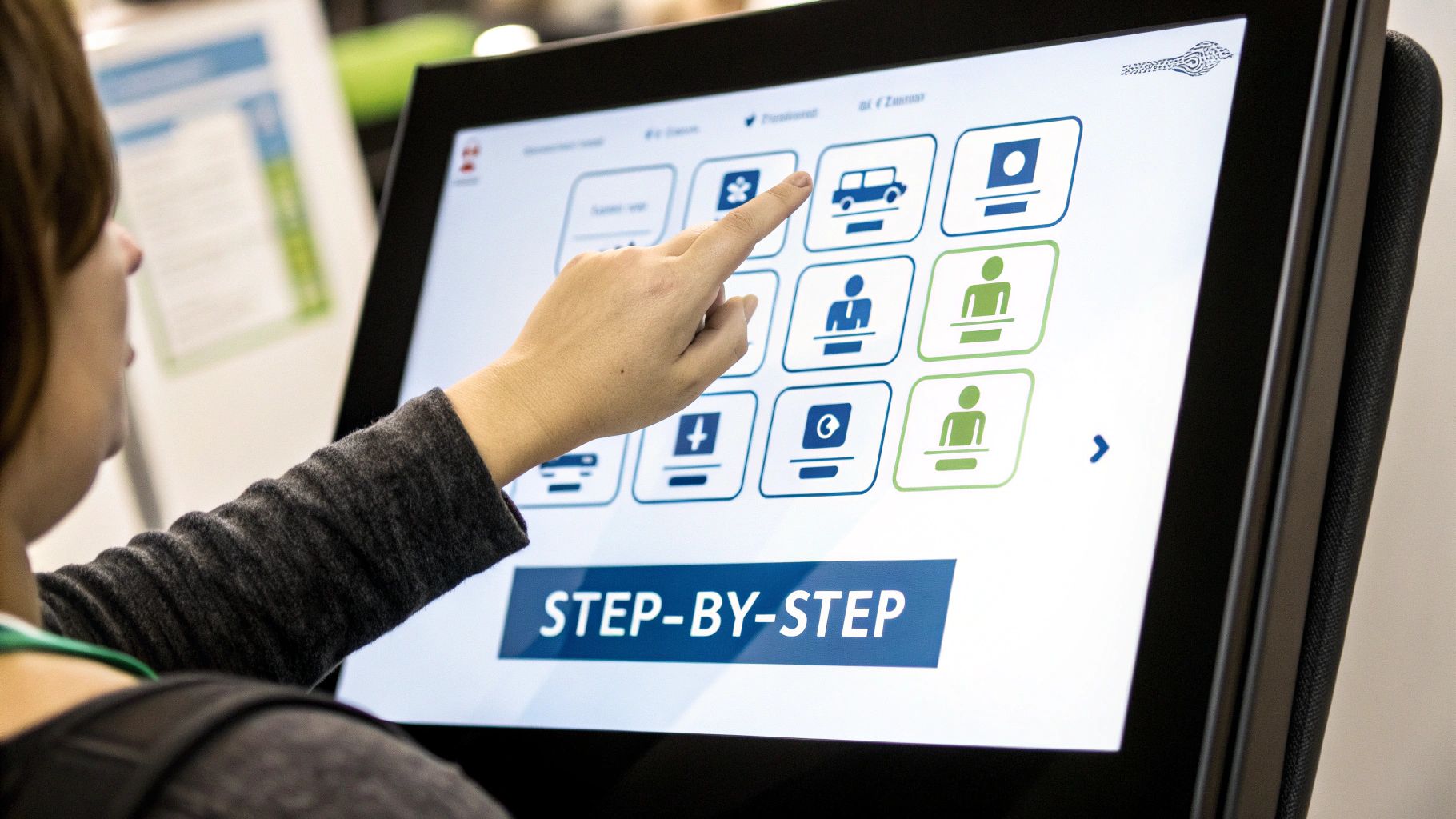
Getting this level of detail right is what makes for a user-friendly map that perfectly reflects your venue and pricing.
From Chart to Checkout with WooCommerce
Now for the most important part: linking your interactive chart to your e-commerce system. With a plugin like WP Seats, this is as simple as connecting your new floor plan directly to a WooCommerce product. Many competitors have clunky integrations, but this is a core strength of WP Seats.
Think of this integration as the bridge between your visual layout and your bank account. When a customer selects a seat on the chart, they are actually adding a specific, unique product to their cart.
This direct link is what makes the magic happen:
- Real-time sales: The moment a seat is purchased, it’s instantly marked as unavailable on the chart. No more double bookings.
- Dynamic inventory: Your ticket availability is always perfectly in sync with your visual map. You never have to do a manual update again.
- Tiered pricing: You can create different ticket products for different sections—like a ‘Premium View Ticket’ versus a ‘General Admission Ticket’—and link them to the corresponding seats on your chart.
This seamless connection is the key to monetizing your event space effectively. If you want to see this in action, check out our guide on how to effortlessly sell event tickets on your WordPress site with WP Seats.
Inspiring Monetization Strategies
But why stop at standard ticket sales? A flexible seating chart maker unlocks some really creative ways to boost your revenue. It’s time to think outside the box and use your chart to offer unique value that customers are happy to pay more for.
For example, you could implement an early-bird discount for the first 50 seats sold in a specific section to create a sense of urgency. Or, for a corporate conference or a fundraising gala, you could configure entire tables as single, purchasable items reserved just for sponsors. This makes group bookings a breeze and simplifies how you manage your high-value attendees. Many successful users, as shown in our case studies, leverage these product features for higher ROI.
By turning your chart into a strategic tool, you can seriously increase your event’s profitability.
Going Beyond the Basics with Advanced Event Features
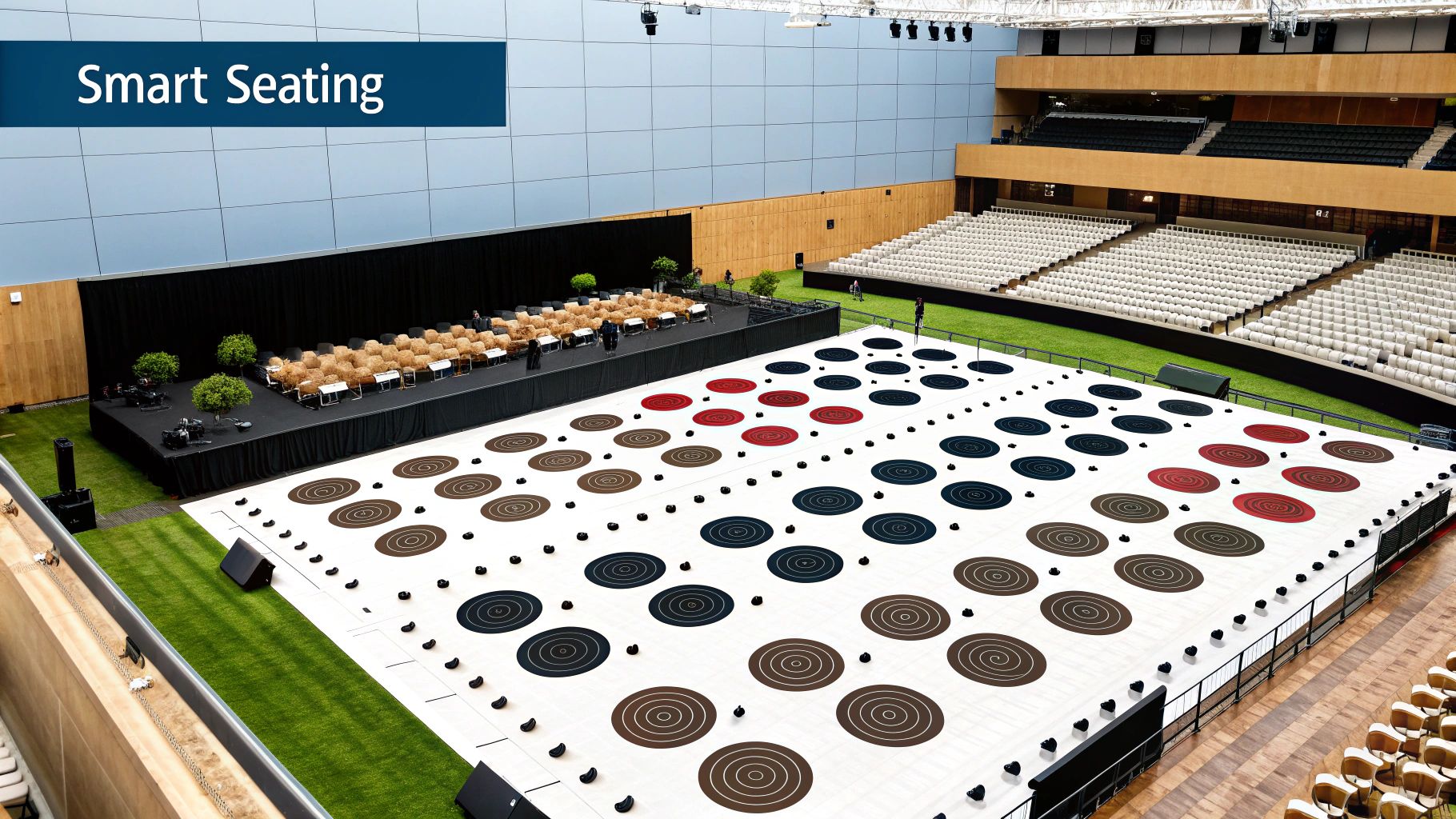
Once you’ve got the hang of the essentials, it’s time to dig into the powerful features that truly separate a professional seating chart maker online from a simple layout tool. For serious event organizers, this is where the magic happens. These advanced tools solve complex logistical puzzles, make on-site management a breeze, and deliver the hard data you need to make your next event even better.
This is where you stop just mapping seats and start strategically managing the entire experience.
WP Seats was built with a whole suite of these advanced features in mind. They give you the fine-tuned control needed to pull off large-scale or high-stakes events with total confidence, tackling the unique venue quirks and attendee needs that a basic builder just can’t touch. These regular product updates and feature launches are what keep it ahead of other plugins.
Create Custom Seat Shapes and Layouts
Let’s be honest: standard circles and squares don’t always reflect reality. What happens when your venue has curved booths, L-shaped banquettes, or custom-built lounge areas? With WP Seats, you’re not stuck with pre-defined shapes. The node-based polygon tool lets you draw any shape you can imagine, ensuring your digital chart is a perfect 1-to-1 match with your physical space.
This is an absolute game-changer for:
- Unique Venues: Finally, you can perfectly map out unconventional spaces like dinner theaters with cabaret-style tables or outdoor festivals with oddly shaped VIP sections.
- Branded Events: Want to create sponsor zones that pop? Design custom-shaped seating areas that visually stand out on the map.
- Complex Furniture: Accurately represent intricate furniture arrangements, giving your guests a true-to-life preview of where they’ll be.
Implement Automated Social Distancing Rules
Even as distancing mandates fade, many attendees still value having a bit of extra breathing room. But manually blocking out seats to create buffers is a tedious nightmare just waiting for a mistake. WP Seats automates this with smart social distancing rules you can apply across your entire chart or just to specific sections.
Just set the number of seats to leave empty between bookings, and the system does all the heavy lifting. When a guest books a seat, the adjacent seats are instantly made unavailable. It’s a simple way to offer peace of mind to guests while still maximizing your venue’s capacity under your own rules.
By automating these complex rules, you eliminate countless hours of manual adjustments and prevent awkward seating gaps. The system intelligently optimizes the layout in real-time as tickets are sold.
Generate Detailed Sales and Occupancy Reports
Data is everything when it comes to planning. A top-tier seating chart maker should give you deep insights into how your sales are performing, and WP Seats delivers with detailed reports that show you what’s working and what isn’t.
You can instantly see which sections sell out first, identify the price points with the highest demand, and track occupancy rates as your event approaches. This information is pure gold for refining your pricing strategy, tweaking layouts for future events, and making smart decisions backed by real sales figures.
Handle Backend Management with Ease
Your job doesn’t end once the chart goes live. Crucial backend tasks are what ensure a smooth event day, and WP Seats makes them easy. Right from your WordPress dashboard, you can:
- Manually Assign Seats: Need to hold the best seats for VIPs, sponsors, or special guests? No problem. Reserve them directly from the backend.
- Manage Check-ins: Keep a running tab of who has arrived, ensuring a smooth and quick entry process on the day of the event.
These are the tools that give you complete command over every piece of the seating puzzle, from the first design draft to the final check-in.
Designing a Seamless Attendee Booking Experience
Let’s be honest—all the powerful backend features in the world don’t mean much if your customers find the booking process confusing or clunky. This is where we shift our focus to the guest’s journey. The goal is to make finding and buying a seat just as smooth and exciting as the event itself. A great seating chart maker online makes this feel effortless.
Check out this quick video to see what a smooth front-end experience looks like in action:
First things first, you need to get the interactive chart onto your event page. With a plugin like WP Seats, this is as simple as dropping a shortcode right where you want it. The chart appears instantly, feeling like a natural part of your website, not some tacked-on, third-party tool.
You can also customize its appearance to perfectly match your event’s branding. Go ahead and tweak the colors and styles so it aligns with your website’s design. This kind of brand consistency is key for building trust and making your whole operation look professional from the very first click.
Ensuring an Intuitive and Responsive Design
In today’s world, your seating chart absolutely must work flawlessly on any device. Think about it: over 50% of web traffic now comes from mobile devices. That means at least half your potential customers are trying to book tickets on their phones. A responsive chart that automatically adjusts to fit any screen—from a huge desktop monitor to a small smartphone—is non-negotiable.
The design also needs to be instantly understandable. Use clear labels for different sections and consider adding tooltips that pop up when a user hovers over a seat. These are perfect for showing crucial info like the seat number, price, or even a helpful note like “Restricted View.” It gives attendees all the details they need to make an informed choice without cluttering the main display.
The goal here is to eliminate friction. Every question a user might have—”How much is this seat?” or “What section is this?”—should be answered visually before they even have to think about asking.
Building Excitement and Reducing Abandonment
A great booking experience does more than just sell a ticket; it builds anticipation for the event. The simple act of choosing a specific seat creates a sense of ownership and personal investment. It’s your first real opportunity to engage with your attendee and make them feel connected. This is a key part of community building around your events.
This focus on user choice is a massive trend across many industries. Just look at the aircraft seating market—valued at $7.77 billion USD in 2025, it’s projected to hit $11.68 billion USD by 2032. Why? Because of the growing demand for personalized seating options. While it’s a different field, it highlights a universal truth: people love having the power to choose. You can read the full aircraft seating market trends analysis if you’re curious.
By giving your customers clear instructions, transparent pricing, and a fully responsive layout, you drastically reduce the chances of them giving up and abandoning their cart. A smooth, intuitive booking process removes frustration and helps turn a curious visitor into a confirmed, excited attendee.
Common Questions About Seating Chart Makers
Once you start using a tool like WP Seats, you’ll quickly run into a few practical questions. As an event organizer, you need answers that work in the real world. Here are some of the most common scenarios and how to handle them, based on our experience helping users.
Can I Reuse a Seating Chart for Multiple Events?
Yes, and you absolutely should. This is one of the biggest time-savers when you go digital. After you’ve invested the time to perfectly map out a venue’s floor plan, you can save it as a master template.
The next time you host a concert or gala at that same location, just duplicate the chart. Link it to your new event or ticket product in WooCommerce, and you’re good to go. It’s a simple move that keeps your layouts consistent and saves you from reinventing the wheel for every single event. This is a best practice for WordPress event management.
How Should I Handle Group or Table Bookings?
You’ve got a couple of great options here, and the best choice really depends on what kind of experience you want to offer.
The simplest approach is to make an entire table one single, purchasable “seat.” This works perfectly for things like corporate sponsorship tables or family packages, where one person is buying for the whole group.
For more flexibility, you can let guests select individual seats at a table, even if they’re buying separately. Think of friends going to a dinner theater—they can coordinate to sit together but each buy their own ticket. This particular use case is one we see often in user success stories.
My Two Cents: When you’re setting up group bookings, always label your tables clearly on the map itself (e.g., “Sponsor Table A,” “Reserved for Smith Party”). A little bit of clarity goes a long way in preventing attendee confusion and making the booking process feel smooth.
What Happens with Cancellations and Refunds?
This is where direct integration with a system like WooCommerce really shines. Since WP Seats works right on top of it, all your financial transactions—including refunds—are managed from the WooCommerce dashboard you already know.
When you process a refund for a ticket, the system is smart enough to automatically update your seating chart. That specific seat is instantly freed up and becomes available for someone else to book. It’s a seamless process that keeps your inventory accurate without you having to manually adjust anything. This solves a major troubleshooting headache that plagues many competitor plugins.
Ready to take the guesswork out of your event layouts? With WP Seats, you can build, manage, and monetize your venue’s seating with tools that put you in complete control. Start creating your interactive seating chart today.